
PDF to Word Converter
Convert PDF to an editable Word document. Convert PDF files to DOCX. Text keeps its size and bold style, or you can choose an exact visual copy.
- 100% private
- No upload
- Free, no sign-up
- Fast
How to convert PDF to Word online
3 simple steps. No software to install.
-
1
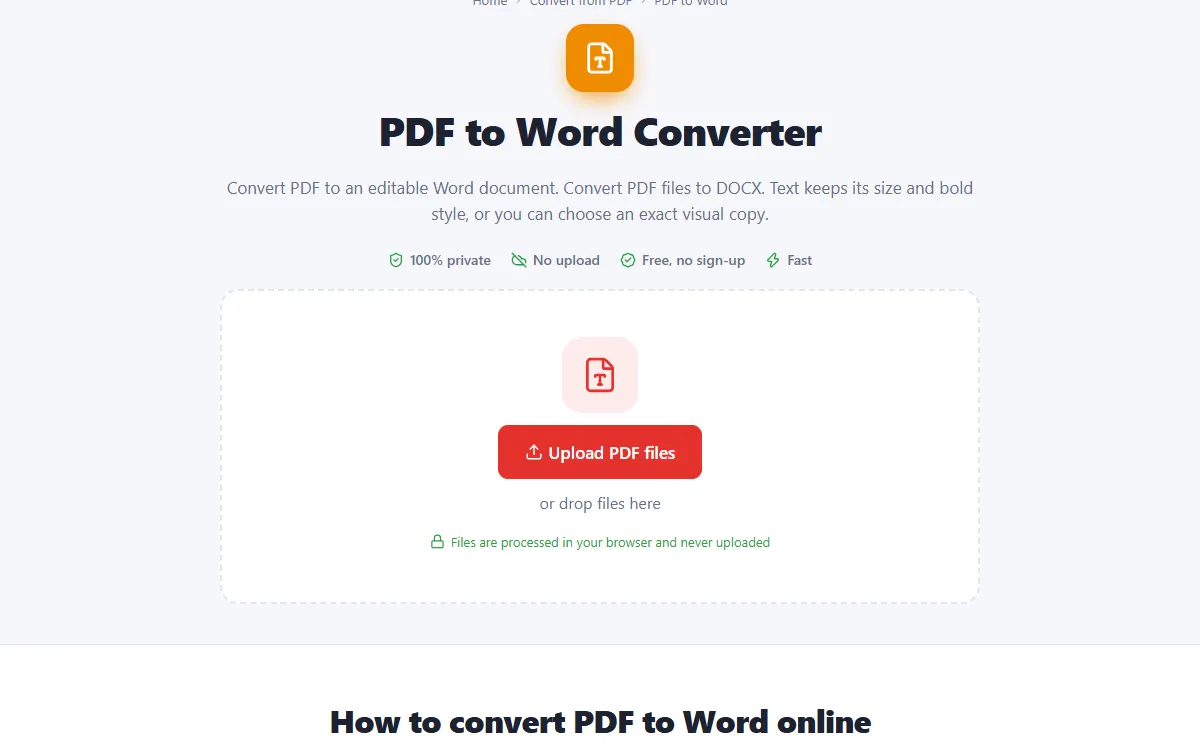
Upload your PDF files
Click the upload button or drag and drop your PDF files onto the page. Nothing is sent to a server: the file opens right in your browser.
-
2
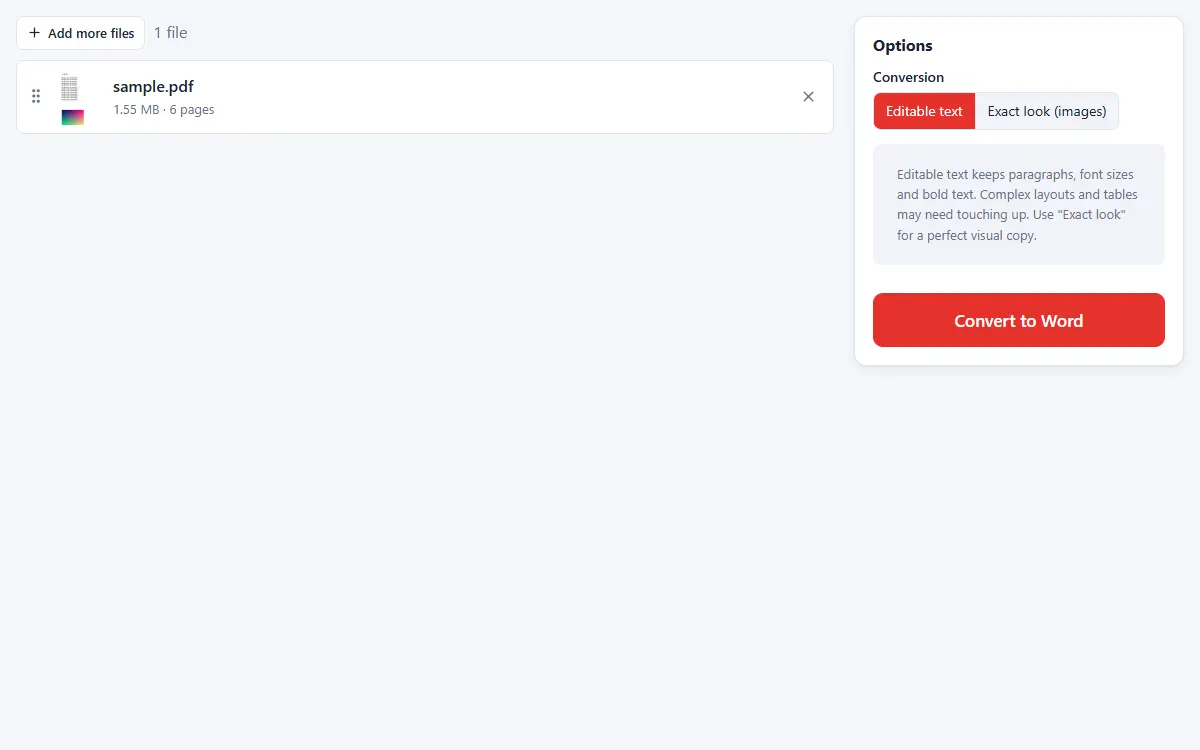
Choose the conversion type
"Editable text" gives you paragraphs, headings and bold text you can edit. "Exact look" keeps the design as images.
-
3
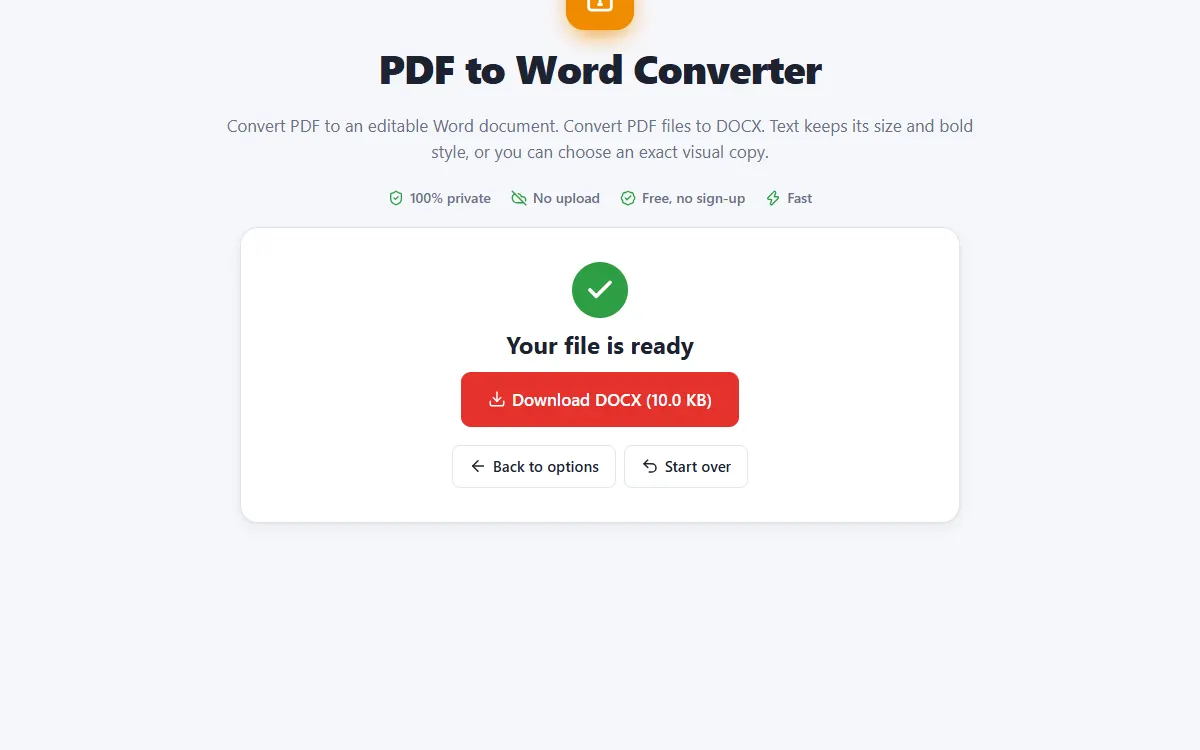
Download the Word file
Open the .docx file in Microsoft Word, Google Docs or LibreOffice.
Why use our PDF to Word tool
Editable paragraphs
Text flows naturally in paragraphs instead of separate boxes.
Exact copy option
Need a perfect visual copy? Choose "Exact look".
Private and secure
Files are processed on your own device. They are never uploaded, stored or seen by anyone.
Free, no sign-up
No account, no email and no watermark on your documents.
Fast
No waiting for uploads and downloads: results are ready in seconds.
Works everywhere
Windows, Mac, Linux, Android and iPhone, in any modern browser.
PDF to Word: frequently asked questions
Will my formatting be kept?
Font sizes, bold text, headings and alignment are kept. Complex layouts may need touching up.
Can I convert scanned PDFs?
Run OCR first to add text, then convert to Word.
Is PDF to Word free to use?
Yes. PDFNest is free, needs no account and never adds a watermark.
Are my files safe?
Yes. Your files are processed inside your browser and are never uploaded to a server, so nobody else can access them.
Does it work on my phone?
Yes. It works in any modern browser on Android and iPhone as well as on computers. Large files are faster on a computer.
Ready to convert your file?
Free, private and done in seconds, right in your browser.
Choose PDF file