
PDF to JPG Converter
Convert each PDF page to a JPG or PNG image. Save each page of a PDF as a high-quality JPG or PNG image at the resolution you choose.
- 100% private
- No upload
- Free, no sign-up
- Fast
How to convert PDF to JPG online
3 simple steps. No software to install.
-
1
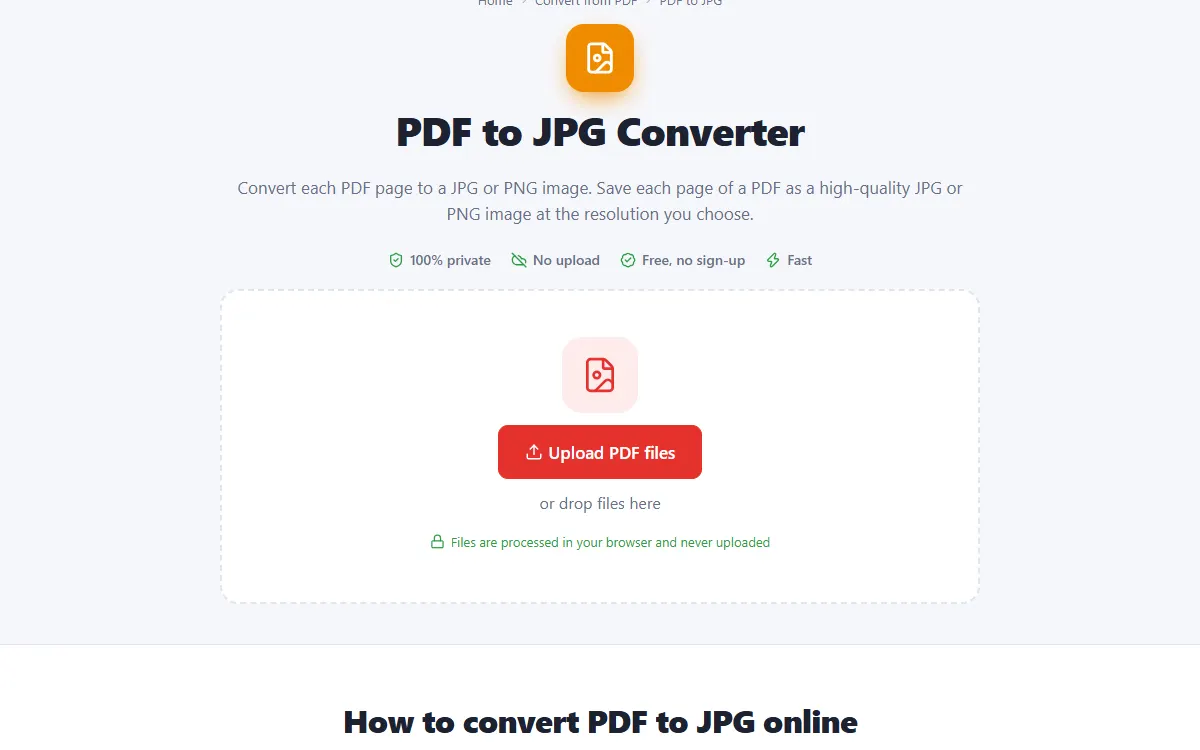
Upload your PDF files
Click the upload button or drag and drop your PDF files onto the page. Nothing is sent to a server: the file opens right in your browser.
-
2
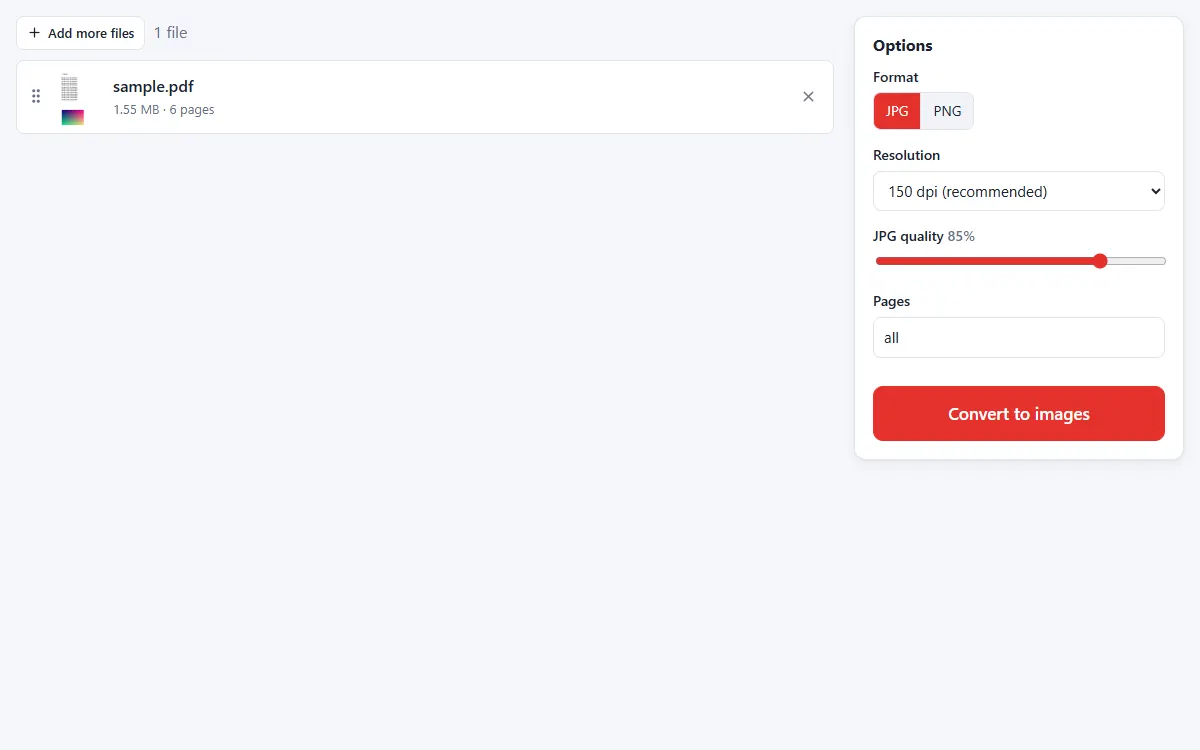
Choose format and quality
Pick JPG or PNG and a resolution from 72 dpi for screens up to 300 dpi for print.
-
3
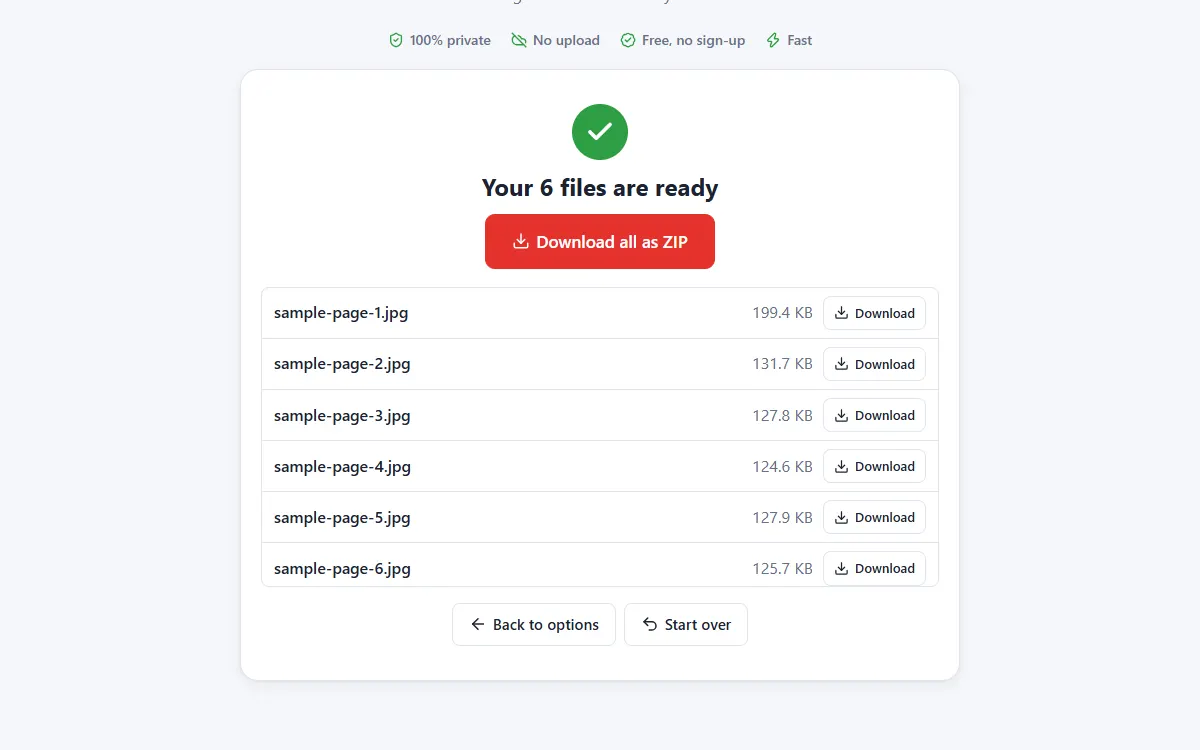
Download the images
Each page becomes an image; download them together as a ZIP.
Why use our PDF to JPG tool
JPG or PNG
Small JPG files or lossless PNG images.
Up to 300 dpi
Sharp images, good enough for printing.
Private and secure
Files are processed on your own device. They are never uploaded, stored or seen by anyone.
Free, no sign-up
No account, no email and no watermark on your documents.
Fast
No waiting for uploads and downloads: results are ready in seconds.
Works everywhere
Windows, Mac, Linux, Android and iPhone, in any modern browser.
PDF to JPG: frequently asked questions
Can I convert only some pages?
Yes. Enter the pages you need, for example 1-3.
What resolution should I use?
150 dpi is best for sharing on screen; use 300 dpi for printing.
Is PDF to JPG free to use?
Yes. PDFNest is free, needs no account and never adds a watermark.
Are my files safe?
Yes. Your files are processed inside your browser and are never uploaded to a server, so nobody else can access them.
Does it work on my phone?
Yes. It works in any modern browser on Android and iPhone as well as on computers. Large files are faster on a computer.
Ready to convert your file?
Free, private and done in seconds, right in your browser.
Choose PDF file