
Alternate & Mix PDF Pages
Mix pages from two or more PDFs, alternating between them. Combine odd and even page scans or interleave pages from several documents. Optionally reverse a file so back sides scanned in reverse order line up correctly.
- 100% private
- No upload
- Free, no sign-up
- Fast
How to Alternate & Mix PDF Pages online
3 simple steps. No software to install.
-
1
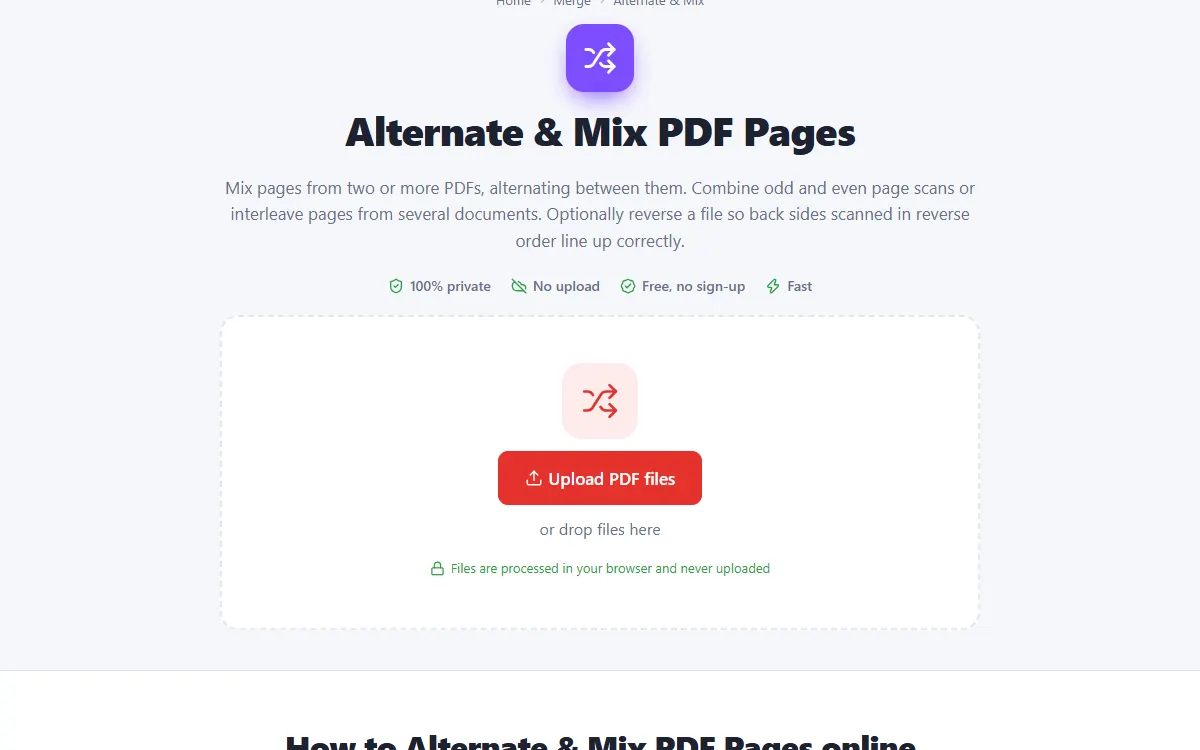
Upload your PDF files
Click the upload button or drag and drop your PDF files onto the page. Nothing is sent to a server: the file opens right in your browser.
-
2
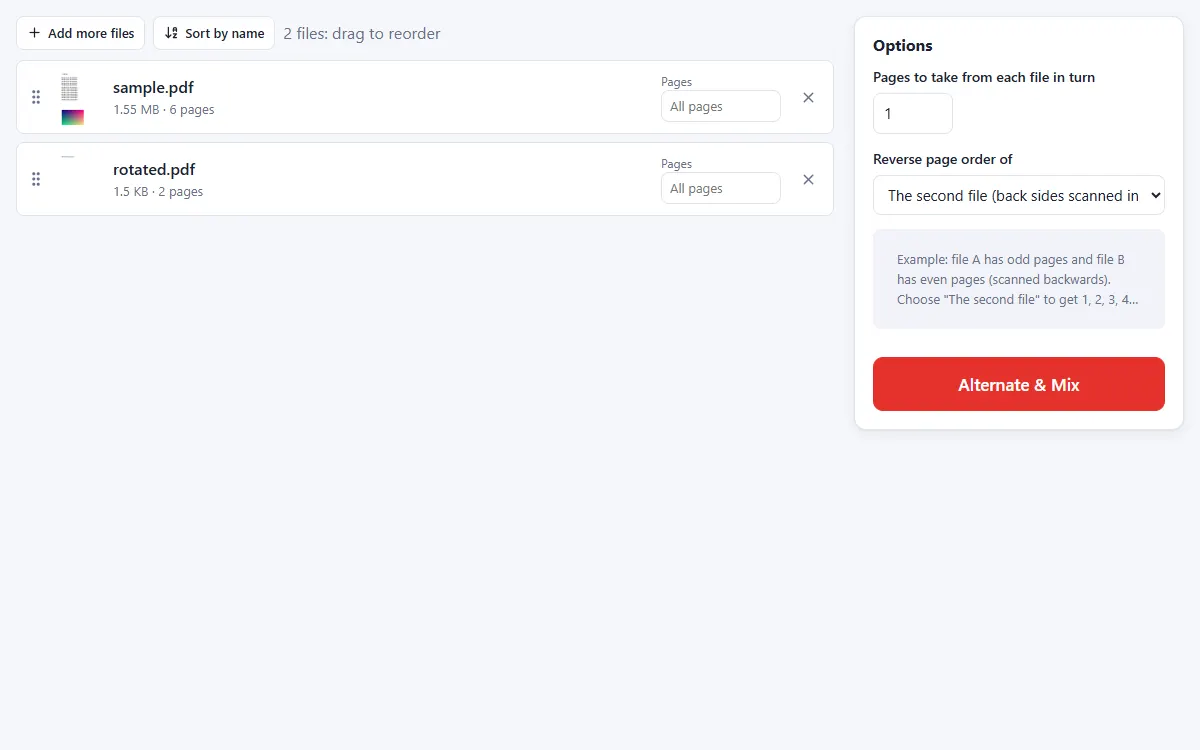
Choose how to mix
Set how many pages to take from each file in turn and whether to reverse a file, for example back sides that were scanned in reverse order.
-
3
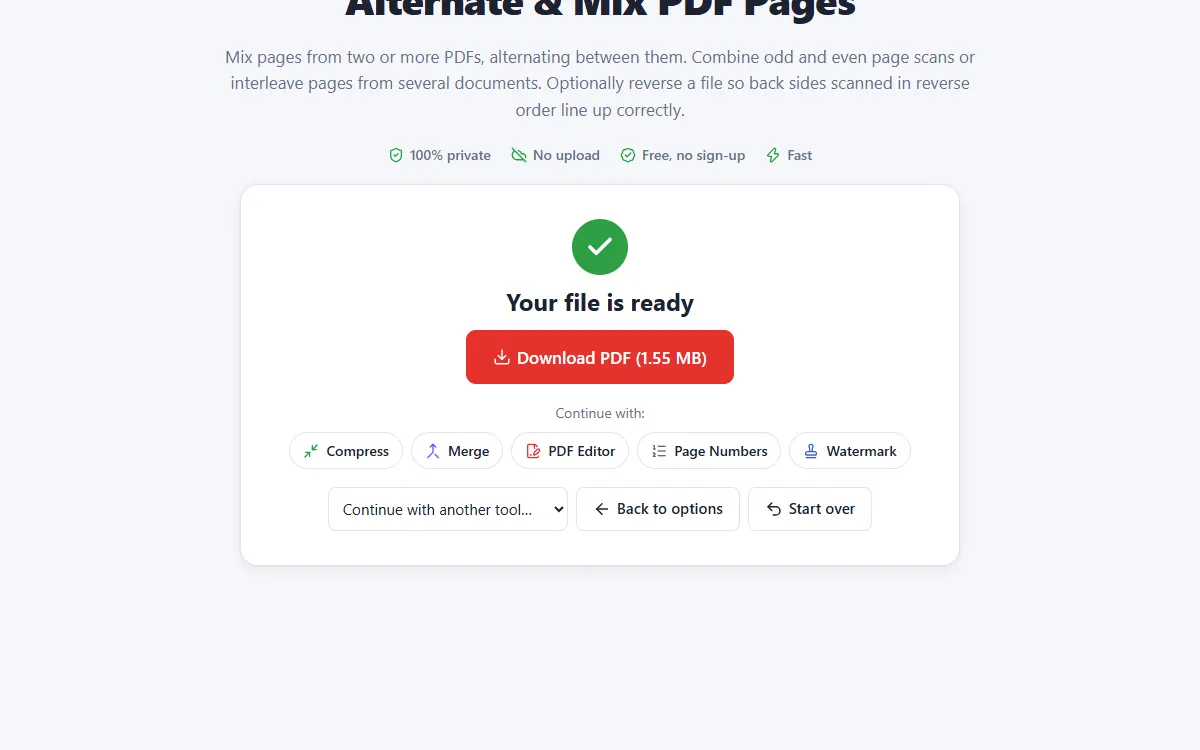
Download the mixed PDF
Click "Alternate & Mix" and download one PDF with the pages in the right order.
Why use our Alternate & Mix tool
Fix duplex scans
Combine a scan of front pages with a reversed scan of back pages in one click.
Custom pattern
Take 1, 2 or more pages from each file per turn and use page ranges per file.
Private and secure
Files are processed on your own device. They are never uploaded, stored or seen by anyone.
Free, no sign-up
No account, no email and no watermark on your documents.
Fast
No waiting for uploads and downloads: results are ready in seconds.
Works everywhere
Windows, Mac, Linux, Android and iPhone, in any modern browser.
Alternate & Mix: frequently asked questions
How do I combine odd and even page scans?
Upload the file with odd pages first and the file with even pages second, choose "Reverse the second file" if it was scanned backwards, then click Alternate & Mix.
Can I mix more than two PDFs?
Yes. Add as many files as you like; pages are taken from each file in turn.
Is Alternate & Mix free to use?
Yes. PDFNest is free, needs no account and never adds a watermark.
Are my files safe?
Yes. Your files are processed inside your browser and are never uploaded to a server, so nobody else can access them.
Does it work on my phone?
Yes. It works in any modern browser on Android and iPhone as well as on computers. Large files are faster on a computer.